Smart Garage Door myQ Setup Guide: WiFi & Voice Control
myQ connects your opener to WiFi so you can control it from your phone anywhere. Setup takes 15-20 minutes: install the myQ hub or use the built-in WiFi if your opener supports it, download the myQ app, connect to your home network, pair using Security+ 2.0 rolling code, then enable voice control through Alexa or Google Home. Most LiftMaster and Chamberlain openers from 2015 and newer support myQ out of the box.
myQ Hub Installation
For older openers without built-in WiFi, the myQ hub adds smart capability without replacing the whole unit:
- 1. Mount the hub near the opener, within 10 feet
- 2. Plug into a power outlet
- 3. Connect to the opener using the wall control panel wiring
- 4. Follow the in-app setup instructions
Voice Control Setup
Voice control works with both Alexa and Google Home once myQ is connected:
- Enable the myQ skill in the Alexa app
- Enable Google Assistant integration in the myQ app settings
- Test with "Alexa, open the garage door"
Related Services
Related Articles
- Best garage door brands for Detroit climate
- LiftMaster vs Chamberlain: which opener is right for Detroit homeowners
See a real example of smart opener integration in action: our Grosse Pointe smart opener integration project details how we wired a LiftMaster myQ system in an estate home.
313 Garage Door Team
Expert garage door technicians serving Metro Detroit since 2015. Licensed, insured, and committed to excellence.
Related Articles
Garage Door Insulation R-Value for Michigan
Understanding R-8, R-12, and R-16 insulation ratings. Which R-value saves the most on heating costs?
Commercial Garage Doors for Detroit Businesses
High-speed doors, rolling steel doors, and commercial operators for Detroit warehouses and loading docks.
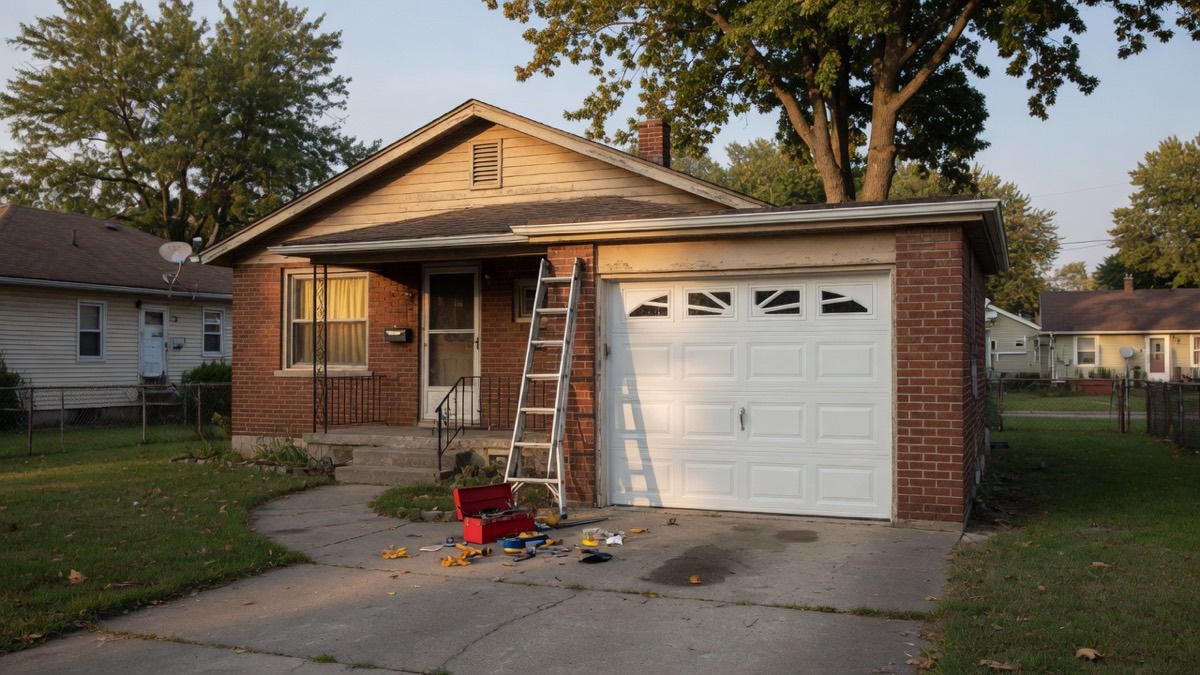
Garage Door Installation in Lincoln Park, MI: What Actually Decides Cost, Timeline, and the Right Door for a Downriver Home
What actually drives cost, timeline, and door choice for a garage door installation in Lincoln Park and the Downriver suburbs, plus permit rules to check first.